

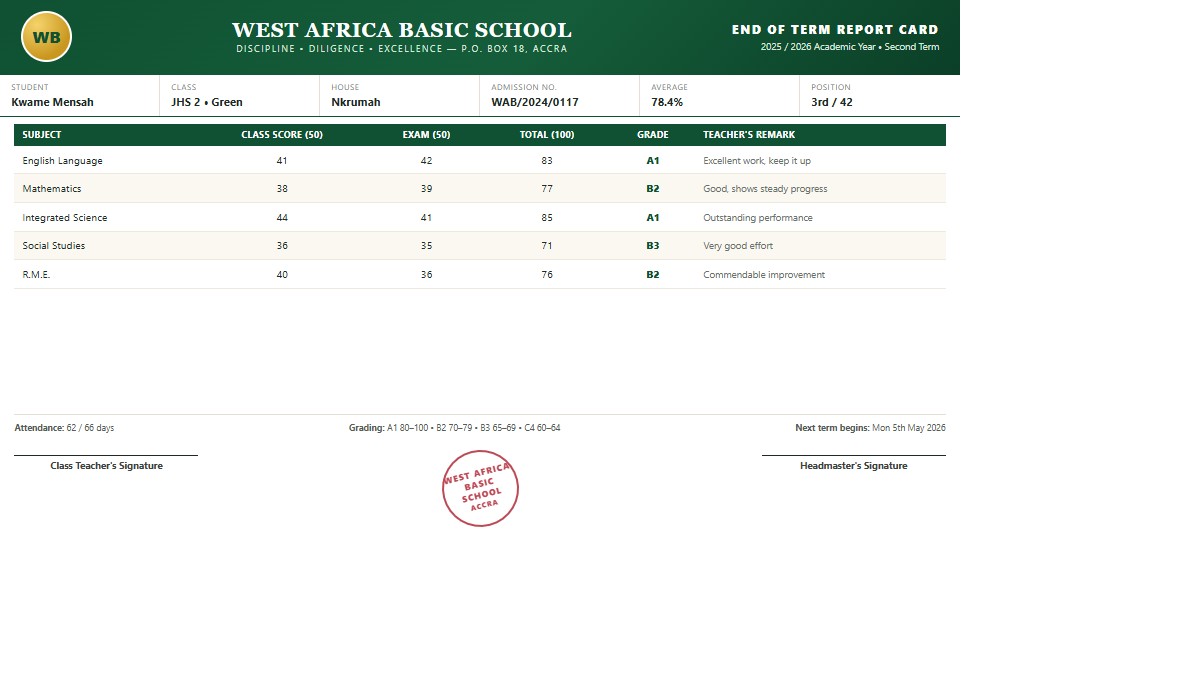



GradePulse gives administrators one calm place to run the whole school — fees, attendance, timetable, report cards, exams, payroll, transport, accounts, library, clinic, elections and assets — with secure, isolated data for every school, and the register, marks and a family's account in the palm of the teacher's or parent's hand.
From academics and fees to transport, health, and assets — every part of your school stays connected in one place.
Beyond academics, run every department of your school from one connected workspace.
A spotlight of active schools currently using the platform.
School leaders use GradePulse to make reporting and academic administration more reliable.
We cut report processing time drastically. GradePulse gave our campuses a single, reliable reporting process.
Analytics and parent messaging improved follow-up on at-risk students and gave us faster intervention cycles.
From grading to report exports, the workflow is clear for staff and dependable during term-end pressure.
The GradePulse app is the same system in your hand: sign in with your school account — staff or parent — and a teacher sees the classes they hold and the pupils in them, the day's register beside the class's own register records, marks entry and the broadsheets they are entitled to, their timetable and their duties, and can mark their own attendance at the school gate. A parent sees their children's marks and fees. Everything is saved straight into the records the office already uses.
Tap the download button and keep the file. It is your school's own copy of the app — the phone signs in to your school, nobody else's.
Android will ask whether to allow installing apps from your browser or file app. Allow it for this file, then open the download to install.
Use the username and password your school gave you — that is all. If your account requires a verification code, it is emailed to you and the app asks for it.
Version 0.1.0+16 · 18.2 MB
Requires Android 7.0 (Nougat) or newer. The download is the right build for your phone automatically — nothing to choose.
Download the app
SHA-256 of the download above (compare it if you want to be certain the file arrived intact):
3e981eeafa25903404a8b0211ec0c9f882a5cbabdfadf4c83d0be28c05c2488f
Today the app covers signing in (staff and parents); your classes and their pupils, including keeping your own class list; the day's register and what that register adds up to, pupil by pupil; marks entry, the marks converter and the broadsheets you may see; your timetable, your duties and your signature; and your own attendance check-in. Everything else stays on the web for now.
The questions schools ask us most. Anything else, ask while registering and we will walk you through it.
Register your school from the registration page, pay the setup fee by card or mobile money through Paystack, and your account is activated. You then add your classes, subjects, students and staff at your own pace.
Yes. Every staff member has their own username and role, and only sees the sections that role covers. A user manual is built into the app, so new staff can read the steps for their own screens.
Parents sign in to the Parent Portal with the account you create for them and see their child's performance, attendance, conduct, fees, report cards, house, discipline, gate passes, library and clinic records. You can also text each parent a private link that opens their child's report card as a PDF, with no login needed.
Yes — report card links, payment confirmations, outstanding fee reminders, and alerts from attendance, transport, library, clinic and the school gate. Fee reminders reach every parent with a balance in a single click.
Your school does, and you choose the gateway. Connect your own BulkSMS GH account (or another provider) so messages carry your sender ID and use your credits, or use the shared platform gateway. Your provider bills per message sent.
Set up a fee structure once, apply it to a class or a single student, then record payments in instalments — each payment produces a numbered receipt. Scholarships and bursaries, fines and refunds all feed the same balance, so the debtor list, dashboard and reports always agree.
No. Bulk Upload brings in a whole class or school from a CSV file, and staff can be bulk uploaded the same way. Records and parent contact details can be corrected at any time afterwards.
Yes. A proprietor or group can run several schools from one login and switch between them, with each school's classes, staff, results and finances kept separately.
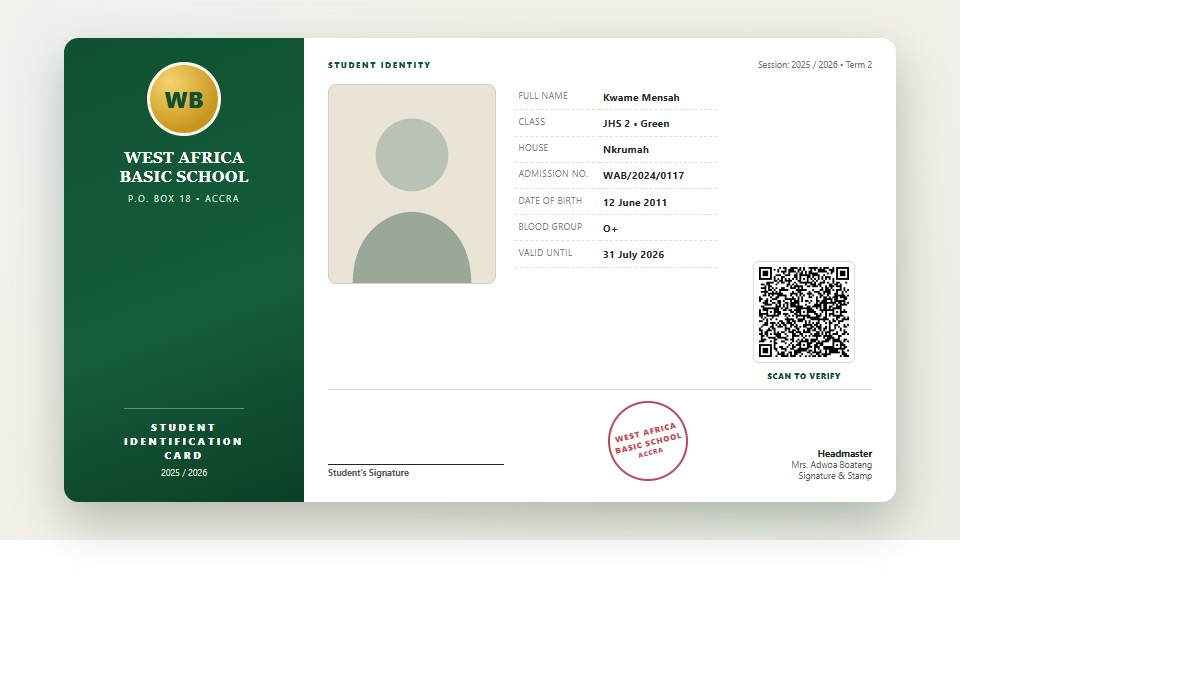
Each school's records are kept apart from other schools', and sensitive changes are written to an audit trail you can review. The database can be backed up and restored with the tools included, and report cards, receipts and ID cards are produced as PDFs you keep.
Any modern browser — phone, tablet or computer — and an internet connection. There is nothing to install in the browser, and anything you print is generated as a PDF. Staff and parents may also install the GradePulse Android app (see the section above): it does the same work against the same records, and nothing is stored on the phone except a sign-in token.
Yes. A parent sees each child's fee statement in the Parent Portal and in the app, with the balance outstanding, and can pay by card or mobile money straight from that statement. The payment is confirmed back to your school automatically, a numbered receipt is produced, and any part payment simply reduces the balance — the debtor list, dashboard and reports agree with it immediately.
Provide school and admin details from the registration page.
Secure checkout and verification complete the account activation.
Access your dashboard and begin managing data immediately.
Join schools using School Reports to streamline academics, finance, and operations in one place.